This walkthrough demonstrates how brands can inquire about retail spaces through POPUPSHOPS. Users access a property page link to view details like descriptions, facts, location insights, and available listings with sizing information. They can either inquire directly about specific listings or submit a contact form to receive alternative space suggestions from the leasing team.
Start an inquiry
Here’s a simple guide to easily inquire about a space at your preferred shopping center through POPUPSHOPS.
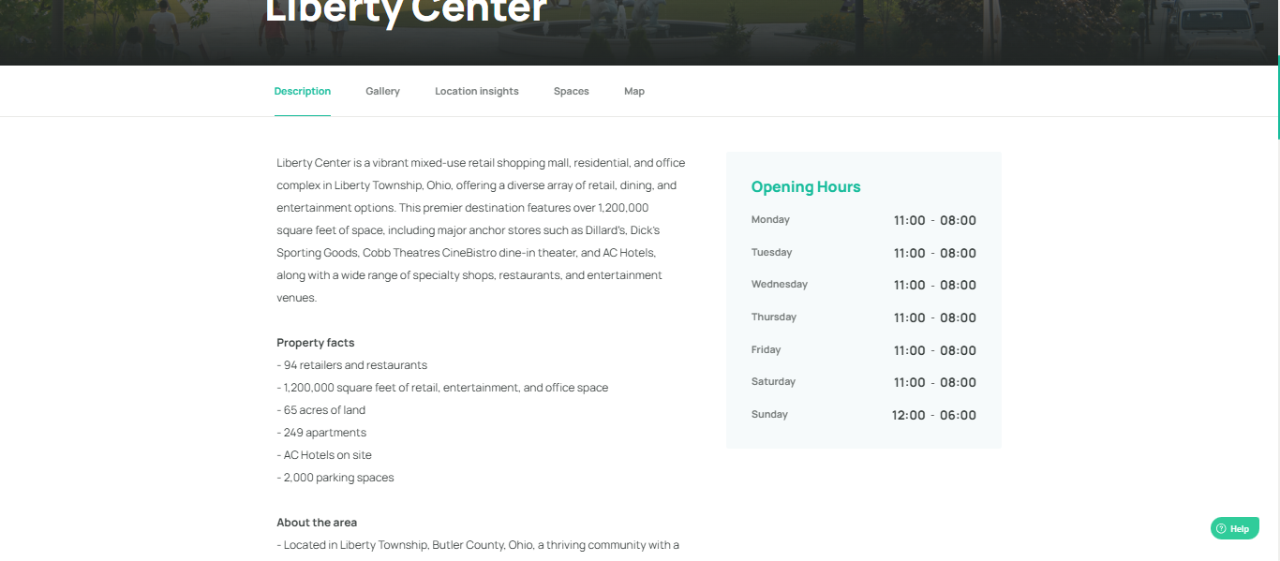
1. When you open the link to the property page we sent, you'll be redirected to the full property profile, which includes:
Property descrption
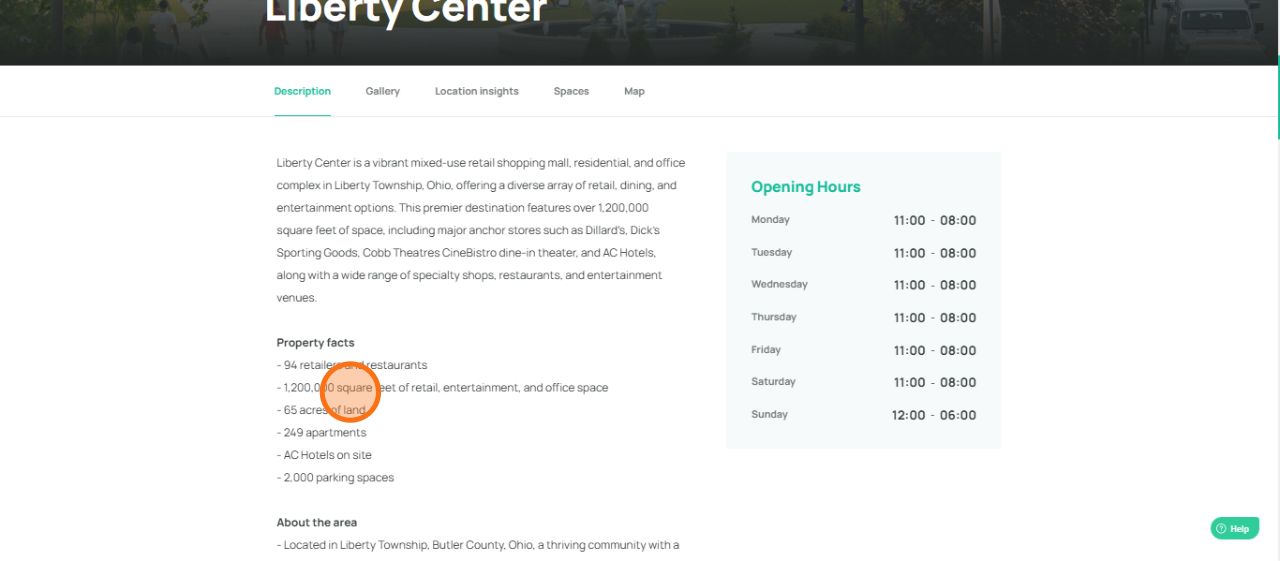
Property facts
Location insights
Opening hours
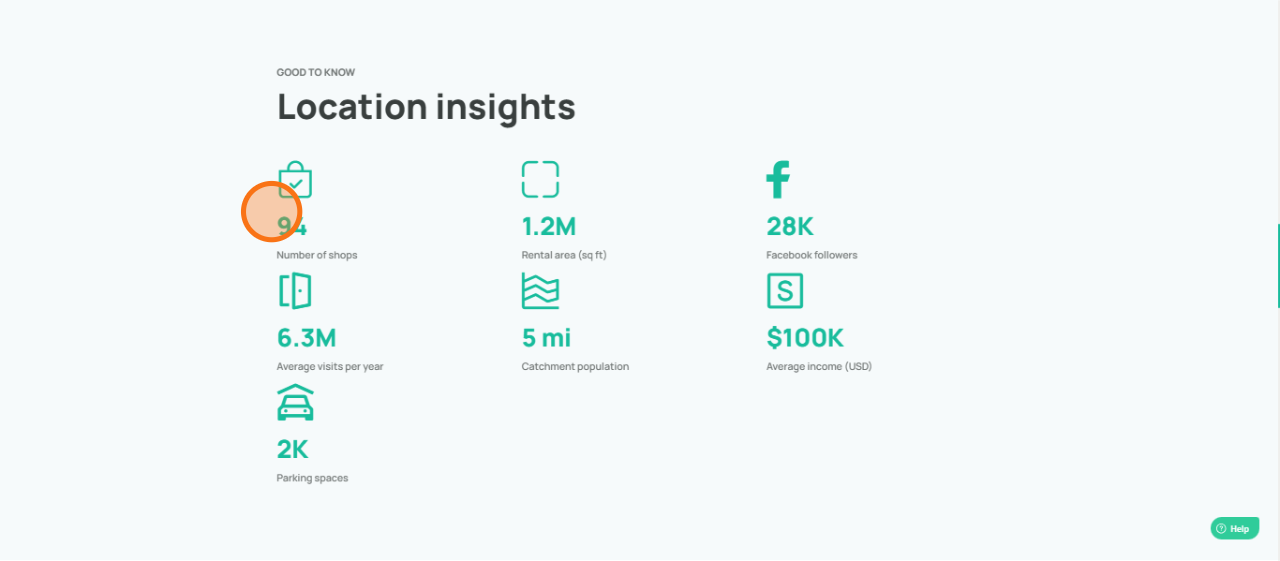
2. A brief about the property's location insights
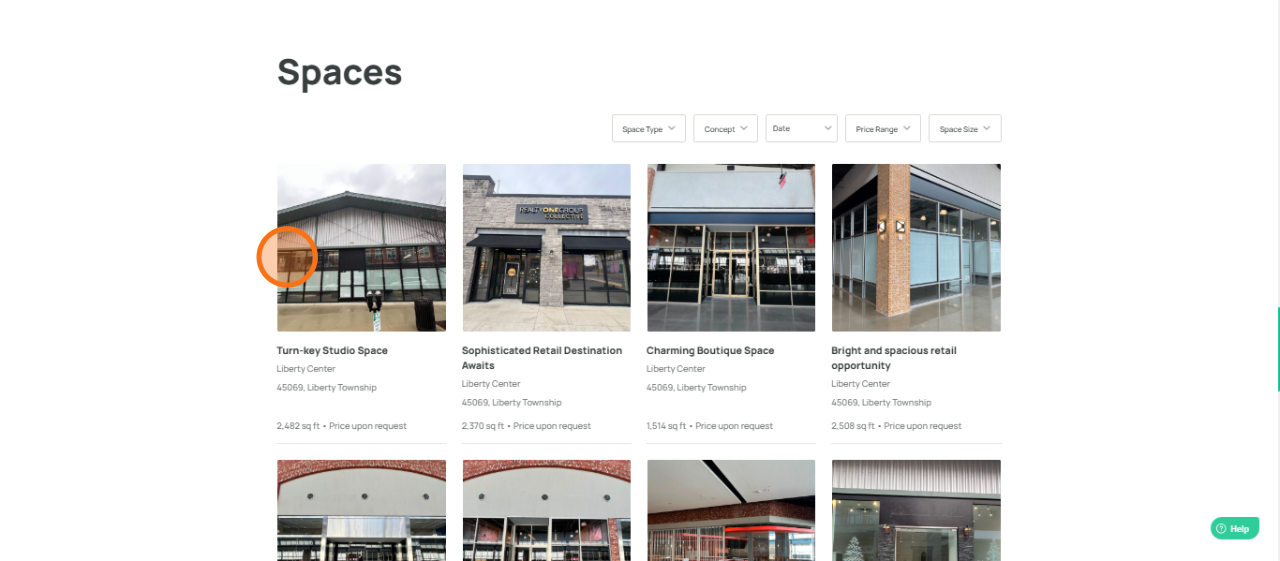
3. You'll find live listings with size, photos, and area details.
Click on a listing to inquire directly with the leasing team about availability, pricing, and more.
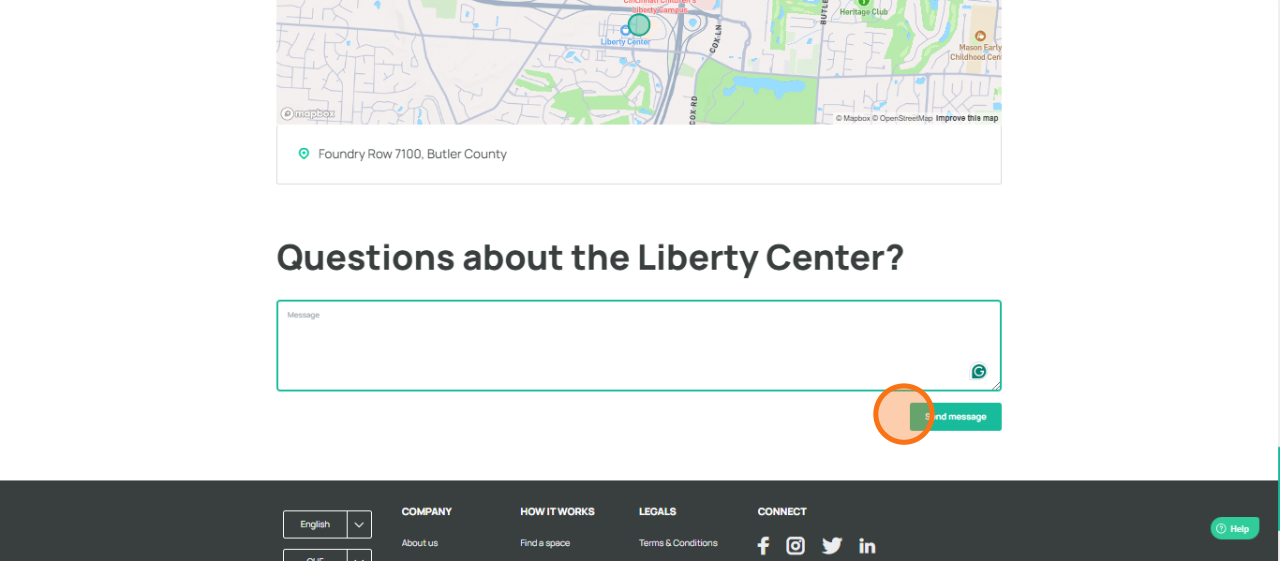
4. If none of the listings suit your needs, use the contact form below, and the leasing team will respond with alternative spaces that may be a better fit for you.
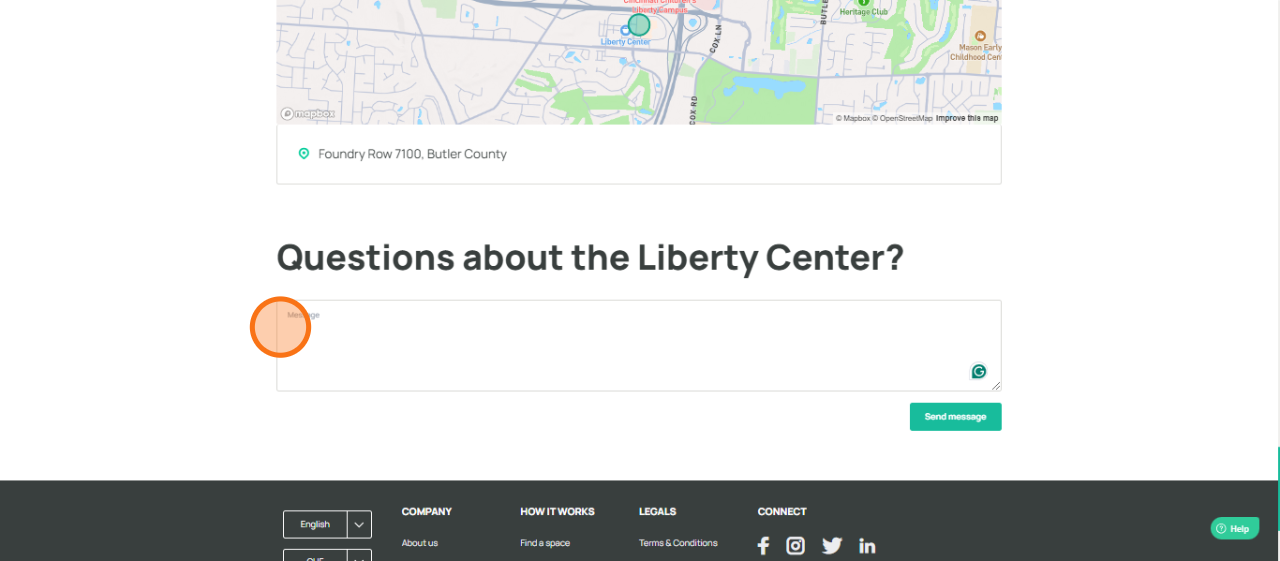
5. Click here
Was this article helpful?
That’s Great!
Thank you for your feedback
Sorry! We couldn't be helpful
Thank you for your feedback
Feedback sent
We appreciate your effort and will try to fix the article