Bookmarking a space saves it to your account so you can easily find it again later. It is a quick way to build a shortlist of spaces you are considering without having to search for them again.
To bookmark a space, please follow these steps:
Go to the listing page of the space you want to save
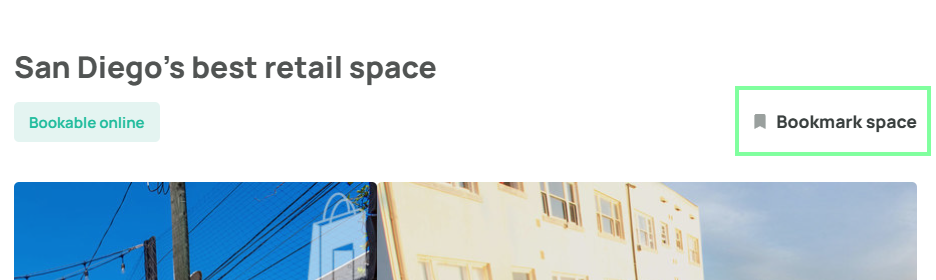
Click the Bookmark space button, located on the right side of the page directly opposite the listing title
The bookmark is saved instantly to your account. No confirmation needed.
To view all your saved spaces, see How do I view bookmarked spaces?Was this article helpful?
That’s Great!
Thank you for your feedback
Sorry! We couldn't be helpful
Thank you for your feedback
Feedback sent
We appreciate your effort and will try to fix the article